Apartment Buzzers: How They Work and Smarter Alternatives
Your apartment buzzer does more than you think. Learn how different buzzer systems work, common problems renters face, and smart alternatives that let you control building access from your phone.
Knockli
AI Doorman
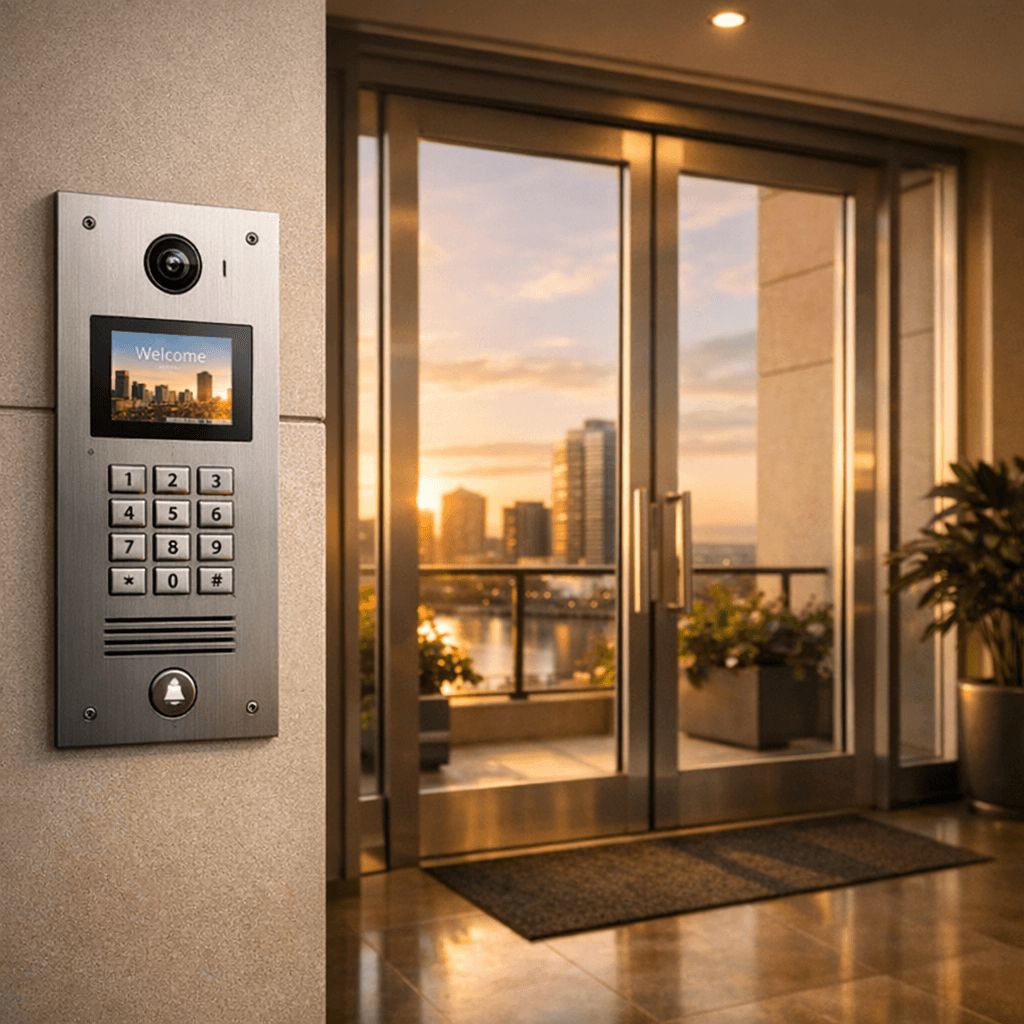
Your apartment buzzer is one of those things you use every day without thinking about it. Someone buzzes, you press a button, the door unlocks. Simple enough. But when it stops working the way you need it to, when you miss a delivery, get woken up by a solicitor, or have to sprint from the shower to answer a buzz, suddenly you want to understand what's going on behind the scenes.
An apartment buzzer is a building entry system that lets residents remotely unlock the lobby door for visitors through an audio or video intercom connection. It's one of the oldest pieces of apartment technology still in daily use, and for most renters, it's also one of the most frustrating.
Here's how your buzzer actually works, what can go wrong, and what smarter options exist.
How Does an Apartment Buzzer Work?
Every apartment buzzer follows the same basic flow: a visitor identifies themselves, a resident decides whether to let them in, and an electronic lock releases.
The specifics depend on your building's system, but the most common setup in apartments today is a phone-based dial-out system. Here's what happens when someone buzzes your unit:
- Visitor finds your name in the lobby directory and presses the corresponding code
- The system dials your phone number (landline or cell, depending on configuration)
- You answer the call and talk to the visitor through the lobby speaker
- You press 9 on your phone (or another designated key) to unlock the door
- A DTMF tone travels back through the phone connection, triggering the electronic lock release
That "press 9 to open" step is the key. DTMF (dual-tone multi-frequency) is the same technology behind touch-tone phones. As HowStuffWorks explains, the buzzer system listens for a specific tone frequency and activates an electromagnetic or electronic door lock release when it detects the correct signal.
Older hardwired systems skip the phone entirely. Instead, they use dedicated wiring between the lobby panel and each unit's wall-mounted handset. You pick up the handset, talk, and press a button that sends an electrical signal directly to the lock. If your system isn't working right, our apartment intercom troubleshooting guide covers the most common fixes.
What Types of Apartment Buzzer Systems Exist?
Not all buzzers are created equal. The system your building uses determines what you can and can't do with it.
| System Type | How It Works | Pros | Cons |
|---|---|---|---|
| Audio-only intercom | Hardwired handset in each unit; press button to unlock | Simple, reliable, no phone needed | Can't answer remotely; can't verify identity |
| Video intercom | Camera at lobby panel; screen in unit or on app | See who's there before opening | Expensive to install; may need landlord setup |
| Phone-based dial-out | Lobby panel dials your phone number; press 9 to unlock | Answer from anywhere; no in-unit hardware | Depends on phone signal; no visual verification |
Phone-based dial-out systems are the most common in modern apartment buildings because they're cheaper for property managers (no wiring to each unit) and more flexible for residents (you can answer from your cell phone anywhere). According to Aiphone's analysis of intercom technology, the industry has shifted steadily from analog hardwired systems toward IP-based and phone-connected solutions.
If your building uses a phone-based system, you already have the foundation for smart buzzer upgrades, since the system is essentially making a phone call that can be intercepted, forwarded, or automated.
How to Buzz Someone Into Your Apartment
The exact steps depend on your system type, but here's how it works for the most common scenarios.
Phone-based systems (most common):
- Your phone rings from an unfamiliar number (the buzzer system's outbound line)
- Answer the call
- Talk to the visitor to verify who they are
- Press 9 on your phone's keypad to unlock the door
- The call disconnects automatically after the door unlocks
Hardwired intercom systems:
- Your in-unit handset rings or buzzes
- Pick up the handset and talk
- Press the door release button on the handset
- Hang up
Call forwarding trick: If your building's phone-based buzzer dials a landline, you can often set up call forwarding to your cell phone. This lets you answer buzzes remotely, which is useful when you're at work or traveling. Check with your building manager about whether call forwarding is supported.
One important note: pressing 9 without talking to the visitor first is a common habit, but it's a security risk. You're unlocking the building's front door for anyone standing there, with no idea who they are.
Common Apartment Buzzer Problems (and What to Do)
If you've lived in an apartment for more than a few months, you've probably hit at least one of these.
Missed Deliveries
This is the big one. Your delivery driver buzzes, you don't hear it or can't get to your phone in time, and the package goes back to the truck. According to SafeWise's 2025 research, apartment residents are 3.5x more likely to experience package theft than single-family homeowners. ValuePenguin's porch piracy analysis puts the average stolen package value at over $200. When packages do get left in a lobby because the driver couldn't reach you, the risk goes up further.
The core problem: traditional buzzers require you to answer a phone call at the exact moment someone buzzes. Miss that 15-second window and the delivery fails.
Unwanted Buzzing and Solicitors
Random buzzes from people who aren't looking for you (delivery drivers buzzing every unit, solicitors, wrong-number buzzes) are a daily annoyance in most buildings. If you work from home, this can wreck your focus and productivity. Research shows it takes an average of 23 minutes to fully refocus after an interruption.
Your Buzzer Just Doesn't Work
Crackling audio, no sound at all, or the unlock tone not registering are common issues with aging systems. Most intercom hardware in older buildings is 15-30 years old. If your buzzer isn't working, start with the basics: check that your phone number is correctly listed in the building directory, test the system with a friend, and document the issue before contacting your landlord or property manager.
Roommate and Household Coordination
When multiple people share a unit, buzzer management gets complicated. Who answers? Who gave the delivery password to a friend? What if your roommate buzzes in someone you don't know? The NMHC Renter Preferences Survey found that technology that simplifies shared living is among the top amenities renters value.
Smart Buzzer Options for Renters
If your building buzzer frustrates you, you have more options than you might think. Smart buzzer solutions fall into two categories: hardware add-ons and software-only solutions.
Hardware Add-Ons
These devices physically attach to your building's existing intercom:
- Ring Intercom - Connects to compatible audio intercom systems. Lets you answer buzzes from the Ring app, grant remote access, and leave audio messages. Requires installation on the intercom panel (which may need building approval).
- Nuki Opener - Works with a wider range of intercom systems. Connects to your in-unit handset and can automatically "press" the unlock button when it detects a ring. Requires physical attachment to your intercom handset.
Both options add smart features but require some form of hardware installation. Depending on your building and lease, you may need permission from your landlord or property manager.
Software-Only Solutions
If your building uses a phone-based dial-out buzzer, software-only solutions can intercept the buzzer call without any hardware changes:
- AI doorman services like Knockli answer buzzer calls automatically, screen visitors through natural conversation, and apply rules you set (like "let verified deliveries in during business hours" or "decline unknown visitors after 10 PM"). Because these work by changing where your buzzer dials, there's nothing to install and no landlord approval needed.
- Call forwarding services can route buzzer calls to multiple phones or voicemail, giving you more flexibility in how you handle buzzes.
The NMHC survey data shows 59% of renters prefer properties with mobile access control. Smart buzzer solutions bridge that gap in buildings that haven't upgraded their hardware.
For a deeper comparison of specific products, our smart intercom buyers guide for renters breaks down features, pricing, and compatibility in detail.
Apartment Buzzer Tips That Actually Help
Whether or not you upgrade to a smart buzzer, these practical tips make your current system work better.
Write Clear Delivery Instructions
Most delivery apps and services let you add buzzer instructions. Include your unit's buzzer code, which key to press for entry, and what to do if nobody answers (like "leave with concierge" or "leave at door"). This alone prevents a surprising number of missed deliveries.
Know Your Buzzer's Number
If your building uses a phone-based system, find out which number it dials from. Save it as a contact ("Building Buzzer") so you recognize the call when it comes in. Many missed buzzes happen because the resident sees an unknown number and ignores it.
Set Do-Not-Disturb Exceptions
If you use your phone's do-not-disturb mode at night or during work, add your buzzer's number to your exceptions list. This way important buzzes still get through while other calls stay silenced.
Coordinate with Roommates
Decide who answers during what hours. If your system allows it, set up call forwarding to ring multiple phones. And never share your building's door unlock code (the DTMF key) publicly, since anyone with that information could unlock the lobby door during an active call.
Consider Automation for Recurring Visitors
If you have regular visitors like a dog walker, cleaner, or meal delivery service, manually answering every buzz adds up. Buzzer automation tools, from simple call forwarding rules to AI-powered screening like Knockli, can handle these recurring visits based on schedules and rules you define. This frees you from being tethered to your phone while maintaining control over who enters your building.
Tired of missing deliveries and sprinting to answer your buzzer? Knockli turns your building's existing phone-based buzzer into an AI-powered smart entry system. No hardware, no landlord approval, and setup takes about 10 minutes.
Related Articles
Apartment Access Control: Stop Buzzing In Strangers
Learn what apartment access control means for renters, why your buzzer is a security risk, and how to control entry without hardware.
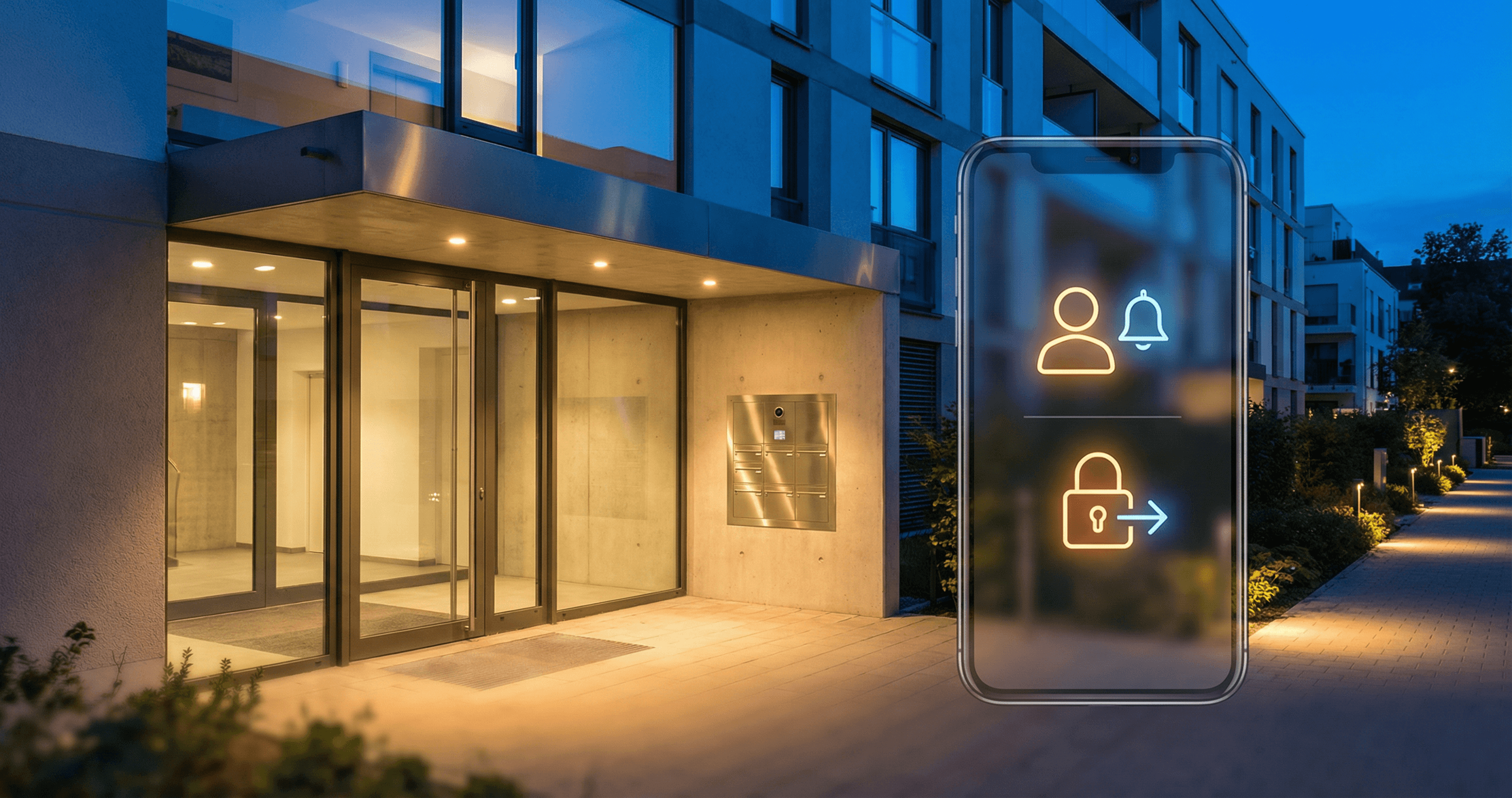
Apartment Buzzer Apps: Automate Access Without New Hardware
Learn how apartment buzzer apps turn your intercom into a smart access system. Compare top solutions and set up buzzer automation.
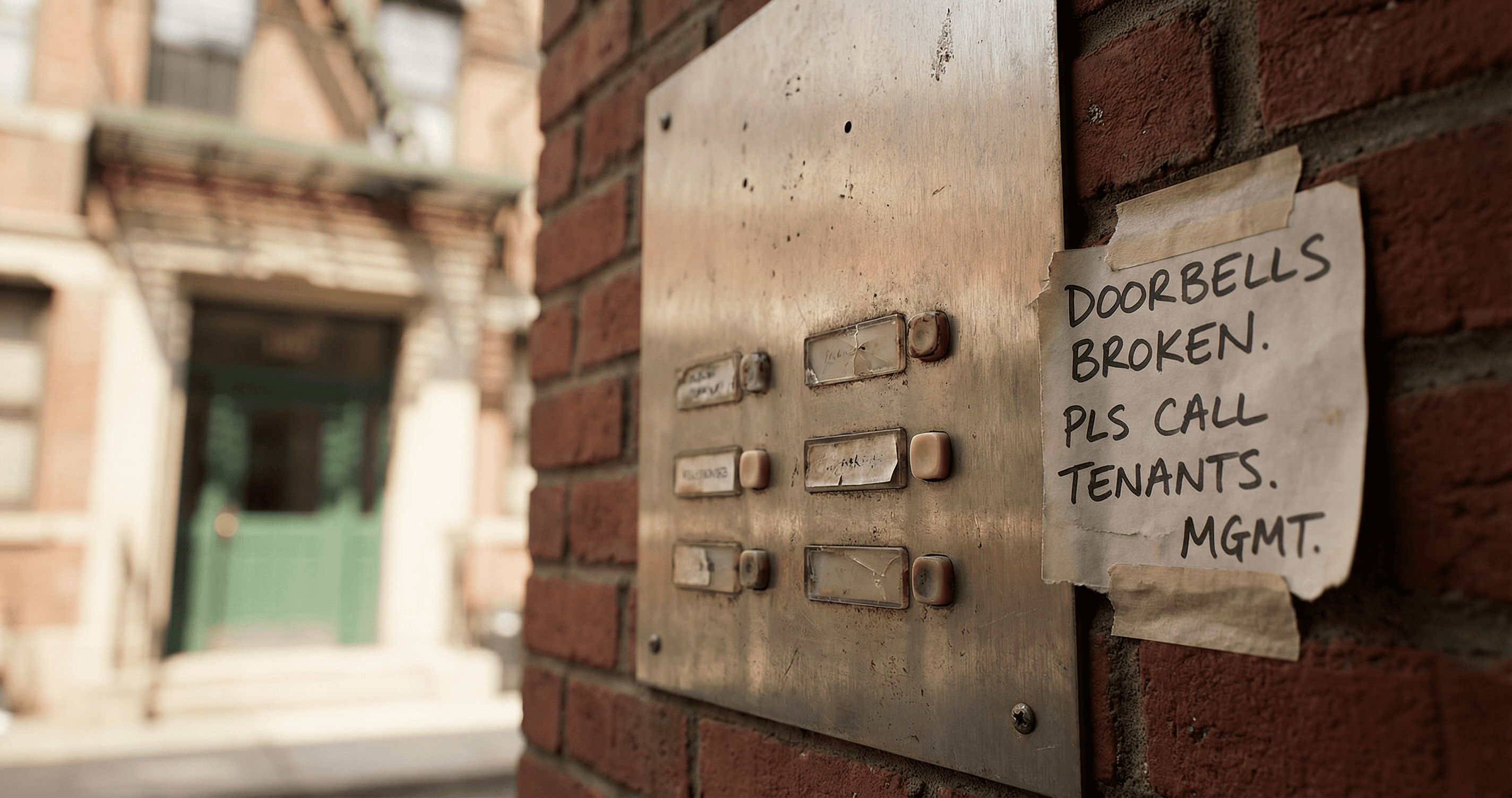
Apartment Intercom Not Working? Here's How to Get It Repaired
Apartment intercom not working? Learn who's responsible for building intercom repair, your tenant rights, how to escalate, and what to do while you wait.